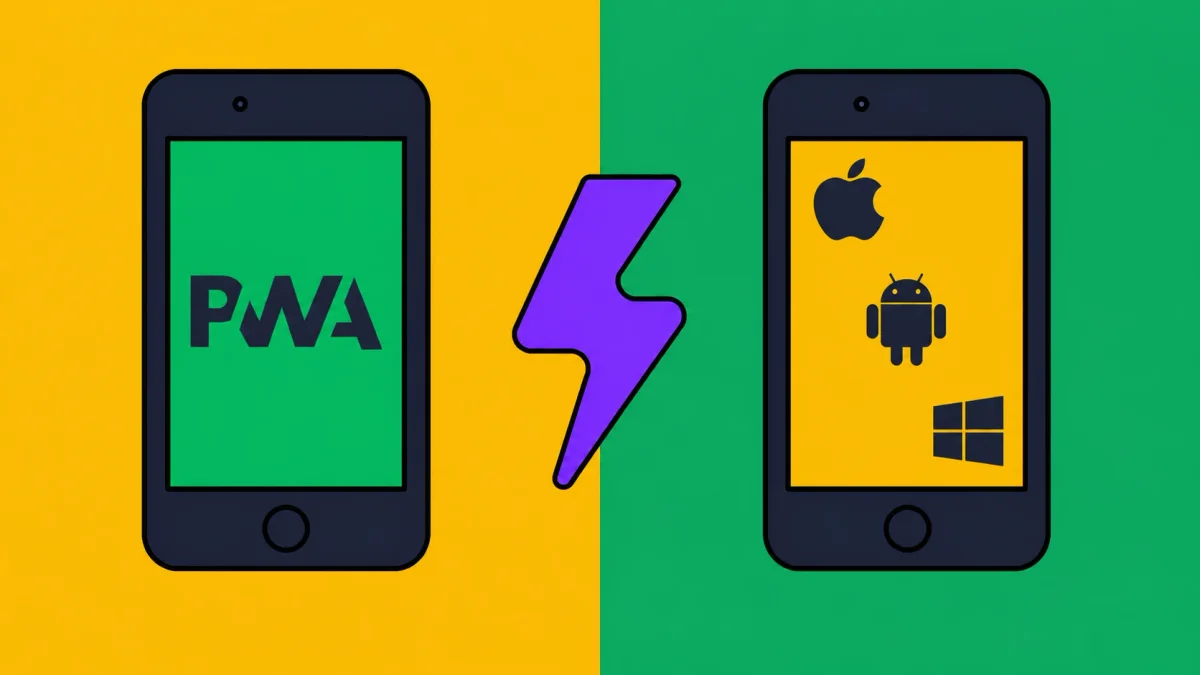
AntiMedia works as an app without an app store. It is a Progressive Web App (PWA), so you add the site to your home screen through your browser. It opens in its own window with an icon. The browser may store app data and cached files; you do not need a separate download from an app store.
The whole thing takes about ten seconds. Pick your phone below.
What the app gives you fast access to
Most people install AntiMedia for one reason: they want the money side one tap away, with no address to type and no tab to hunt for.
- If you earn with us, the app opens the AntiMedia homepage, where the account link takes you to the earning service. How the earning model works is in Earn USDT for honest posts and comments.
- If you promote your own product, the same quick access keeps your campaigns and community reach close. Why this beats paid ads in regulated niches is in where regulated brands actually go, and the reach that ranks is covered in Reddit is the new SEO.
iPhone and iPad
WebKit documents this support in its Safari 16.4 release notes.
- Open antimedia.co in Safari.
- Tap the Share button at the bottom of the screen (the box with an arrow pointing up).
- Scroll down the list and tap Add to Home Screen.
- Confirm the name and tap Add in the top right.
The AntiMedia icon now sits on your home screen. Open it and it runs full screen, just like an app from the App Store.
Android
On Android use Chrome.
- Open antimedia.co in Chrome.
- Tap the three dot menu in the top right.
- Tap Install app (on some phones it reads Add to Home screen).
- Confirm with Install.
Chrome installs AntiMedia as a real app. You will find it in your app drawer and on your home screen, and it opens in its own window without the browser interface.
Desktop
You can install it on a computer too. In Chrome or Edge, open antimedia.co and click the small install icon on the right edge of the address bar, then click Install. AntiMedia opens as its own desktop window.
FAQ
Is the AntiMedia app free?
Yes. It is the website saved to your home screen, so there is no cost, no store account and no download fee.
Is it safe to install?
Yes. It runs in the same secure browser sandbox as the site, asks for no special permissions and installs no native software.
Do I need the App Store or Google Play?
No. You add it straight from Safari or Chrome. It never goes through an app store.
How do I remove it?
Press and hold the AntiMedia icon on your home screen and choose Remove or Uninstall, exactly like any other app.
Does it work offline?
It needs a connection to load the latest posts, but it opens instantly and always shows the current version of the site.
Why bother
- One tap to open. No typing the address, no hunting through tabs.
- Full screen. No browser bar eating your screen.
- Always current. It loads the live site, so you never run an old version.
- Tiny footprint. No large download, no store account, no permissions to approve.
That is it. Save it once and AntiMedia is one tap away whenever you want the latest on the internet economy, AI, traffic, digital work and online growth.
Related reading
If you are joining as an author, the Telegram task onboarding guide explains where to ask questions and how moderation works.