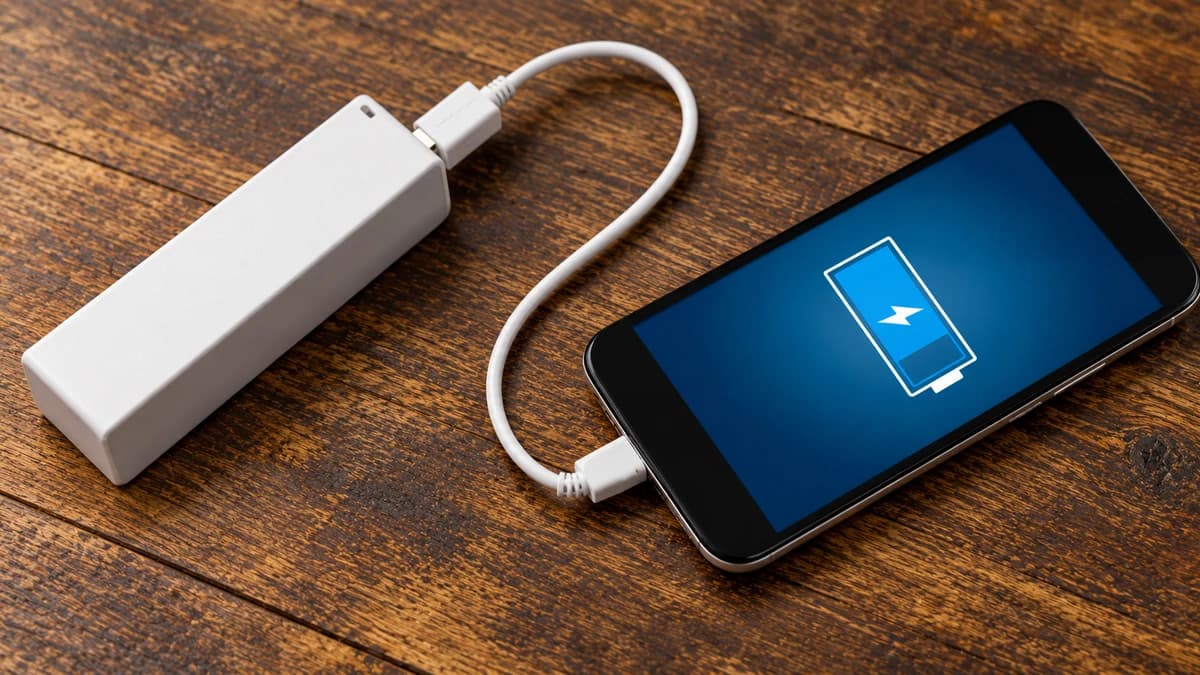
You do not need to set an alarm to unplug your phone at 99%. On a modern smartphone, reaching a full battery does not mean the charger keeps forcing energy into it all night. Charging is controlled. What deserves more attention is a phone that regularly gets hot, especially while charging.
That does not make every overnight setup a good one. A cool phone with charging protection enabled and a hot phone buried in bedding are different situations, even if both show 100% in the morning.
What happens when your phone reaches 100%?
Apple says an iPhone stops charging when full and resumes if its level falls below 95%. It explicitly allows overnight charging, while also advising users to unplug after a full charge when practical. Those recommendations are not contradictory: preventing overcharging and minimising long-term wear are different jobs.
There is another distinction worth making. Battery life is how long a charge lasts today. Battery lifespan is how long the battery remains useful before it needs replacing. Apple's explanation of battery ageing separates the two. A charging habit can affect long-term capacity without making an obvious difference to tomorrow's percentage reading.
The useful question is therefore not just "How many hours was it plugged in?" It is also "How hot did it get, and how long did it sit fully charged?"
Why heat matters, even when you are not charging
Lithium-ion batteries age chemically. Temperature history and charging patterns both influence that process; switching to a different charging hour cannot undo wear that has already happened.
Apple warns that using or charging a device in ambient temperatures above 35°C can permanently reduce battery lifespan. It also warns about storing a battery somewhere hot. A phone does not have to be connected to a cable for heat to become a problem.
That 35°C figure describes the surrounding environment. It is not a universal internal-battery alarm threshold, and it should not be compared directly with a sensor reading from an app. Nor does it mean every phone below that temperature is immune to ageing.
A slightly warm phone is not automatically overheating. Google lists gaming, video recording, setup and data transfers among normal reasons a Pixel can feel warm. Persistent heat, charging interruptions and temperature warnings deserve more attention than warmth alone.
Fix the charging setup before watching the percentage
Here is a practical order for checking your routine, assembled from the manufacturers' guidance. It is a troubleshooting checklist, not a laboratory ranking of how quickly each habit wears out a battery.
| What you notice | What to change first |
|---|---|
| The phone charges under a pillow or in bedding | Move it to a clear bedside table with airflow. Keeping it uncovered is more useful than checking it every few minutes. |
| Navigation is running while the phone charges in a sunlit car | When safely parked, move it out of direct sunlight. If it is overheating, disconnect it and let it cool before continuing. |
| A demanding game makes an already-charging phone hot | Pause the game. Check whether your specific model supports a gaming power-bypass mode rather than assuming every gaming setting does this. |
| The phone gets noticeably hotter with its case on | Try charging without the case in the same location. This checks heat retention, not whether an entire category of cases is bad. |
| A cool phone pauses around 80% overnight | Check its charging settings before buying a new cable. A deliberate limit or delayed charge may be working exactly as intended. |
The heat and ventilation steps follow Google's overheating guidance. For cases, Apple recommends removing yours if the device gets hot while charging.
The battery setting to check on your phone
Manufacturers use similar ideas under different names. A charge limit stops short of full; adaptive charging delays the final part of a charge until closer to when you need it.
| Phone | Where to look | What the option does |
|---|---|---|
| iPhone 15 and later | Settings → Battery → Charging | Choose a limit from 80% to 100%. With a 100% limit, Optimized Battery Charging can delay the last part of charging. |
| iPhone 14 and earlier | Settings → Battery → Battery Health & Charging | Enable Optimized Battery Charging. These models do not have the same selectable charge-limit controls. |
| Google Pixel | Settings → Battery → Battery health → Charging optimization | Adaptive Charging aims to finish before you usually unplug. An 80% limit is available on Pixel 6a and later. |
| Samsung Galaxy | Settings → Battery → Battery protection | Available modes depend on model and software. On supported One UI 7.0 or later devices, Maximum offers limits of 80%, 85%, 90% or 95%. |
These paths and options come from Apple, Google and Samsung. Check your model's documentation if a menu differs.
Adaptive charging is not a promise that the phone will wait at 80% every night. It learns a routine. Google notes that travel or a changing schedule can prevent it from activating as expected. A fixed limit is less dependent on when you wake up, but it also leaves you with less charge to use.
Choose around your day. If 80% comfortably lasts until you are back near a charger, a limit is convenient. Before a long journey, prioritising a full charge is reasonable. The setting should reduce daily fuss, not create it.
What about gaming and bypass charging?
Some phones can power the system more directly from the charger while reducing battery charging. This is a specific feature, not something that happens whenever a phone is plugged in.
Samsung calls its version Pause USB Power Delivery. On supported Galaxy devices, it requires a compatible USB Power Delivery charger with PPS rated at 25W or more, at least 20% battery and an active game. It is designed to reduce charging-related heat; it does not remove the heat generated by running the game itself.
Do not buy a charger purely because someone says it supports "bypass". Check the phone, charger and software requirements together.
A better habit for tonight
Check the charging setting once, put the phone somewhere ventilated and leave it alone. If it repeatedly gets hot during an otherwise light workload, investigate that pattern rather than making midnight unplugging your solution. Persistent overheating warrants the manufacturer's troubleshooting or support.
When replacing a phone, apply the same distinction to the sales pitch. As we explain in our Vivo V80 specification breakdown, advertised battery capacity and maximum charging power do not establish everyday endurance. They do not tell you how a battery will age in your own routine, either.
A sensible goal is a phone that lasts through your day without spending unnecessary time hot or fully charged. There is no perfect percentage that makes a battery last forever, and no reason to lose sleep chasing one.